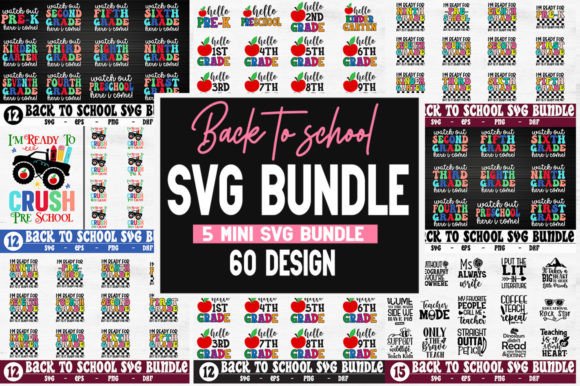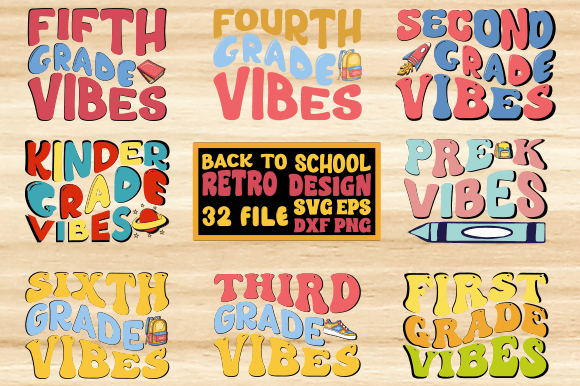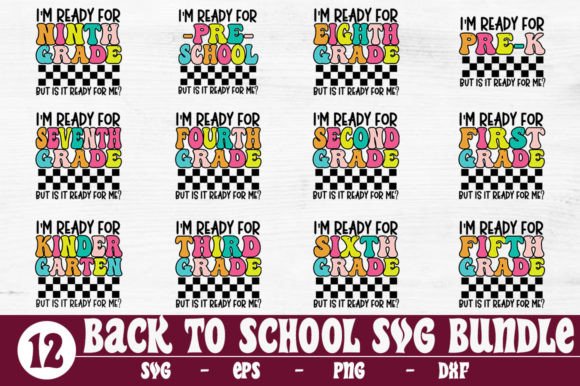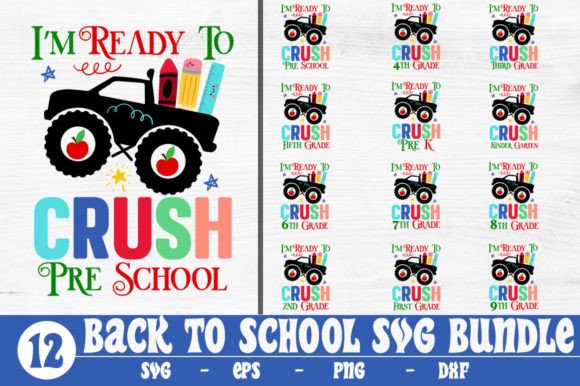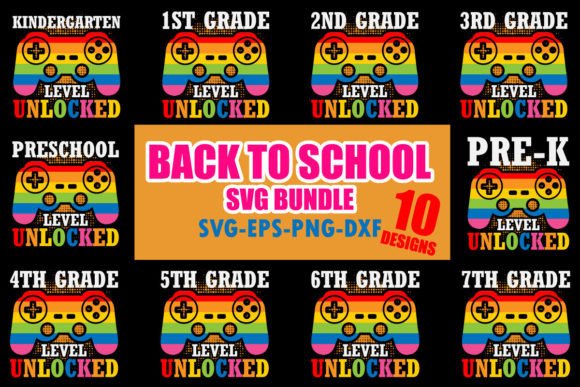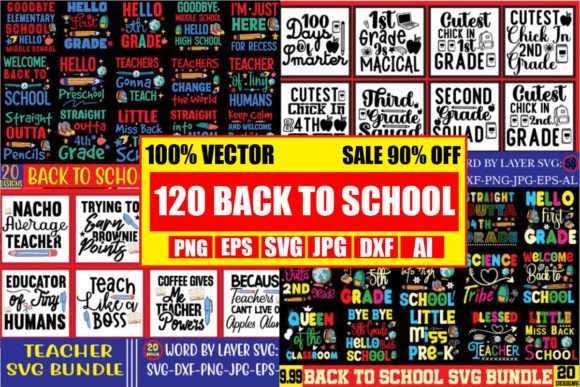
Back to School Mega Bundle: 120 Designs
Whether you're designing a first-day-of-school t-shirt for your kindergartener, prepping classroom decorations for a new academic year, or launching a small business selling teacher-themed mugs and tote bags, having reliable, versatile, and ready-to-use design assets makes all the difference. The Back to School Mega Bundle, 120 Designs is built for exactly that — practicality, flexibility, and speed — without compromising quality or creative control.
What You Actually Get (and Why It Matters)
This is a DIGITAL DOWNLOAD ONLY package — no physical items, no shipping delays, no waiting. You receive one neatly organized .zip file containing 120 unique, hand-lettered designs, each delivered in five essential formats: SVG (optimized for Cricut Design Space), DXF (fully compatible with Silhouette Studio), EPS (scalable vector for professional editing), high-resolution PNG (300 DPI with transparent background), and JPEG mockups (for quick client previews or social media visuals).
That means if you cut vinyl on a Cricut Maker, plot stickers on a Silhouette Cameo, or prepare print-ready files in Adobe Illustrator, you’re covered — no conversion headaches, no lost fidelity, no last-minute troubleshooting. Each file is tested across platforms, so when you open a “Hello Grade 2” SVG in Design Space, it loads cleanly. When you import the same design as a DXF into Silhouette Studio, layers and groupings remain intact. That consistency saves time — especially during back-to-school season, when deadlines pile up and revisions need to happen fast.
Real Uses, Real Time Savings
Consider a small-business owner who sells personalized kids’ apparel. With this bundle, they can quickly assemble a “First Day of School” collection: a “Pre-K Proud” shirt design for toddlers, a “Hello Grade 3” graphic for upper elementary, and a playful “Apple + Pencil” combo for teacher gifts — all using the same consistent style and technical specs. No need to commission custom artwork or hunt across multiple marketplaces for matching fonts and themes.
Educators benefit just as directly. A third-grade teacher building a welcome bulletin board can pull three SVGs — one for the header (“Welcome Back!”), one for student name tags (with editable text fields in Illustrator), and one for a printable reward sticker (PNG at 300 DPI). All are school-appropriate, age-resonant, and technically optimized for classroom printers or cutting machines.
Even hobbyists gain efficiency. If you regularly make scrapbook pages for your child’s school year, having 120 coordinated elements — from chalkboard-style quotes to food-and-drink icons (think lunchbox apples or juice boxes) — lets you mix and match confidently. You’re not starting from scratch each time; you’re building on a cohesive visual language.
Who Benefits Most — And Why
The Back to School Mega Bundle, 120 Designs serves creators who value both creative freedom and operational simplicity. Freelance designers use the EPS and SVG files as editable base layers — tweaking colors in Illustrator or adjusting spacing in Inkscape before delivering final assets to clients. Bloggers and educators preparing digital newsletters or classroom handouts rely on the crisp 300 DPI PNGs for clean web and PDF output. Small-batch crafters appreciate the JPEG mockups: a realistic preview of how a “Teacher Life” design looks on a ceramic mug helps confirm layout decisions before cutting or printing.
It’s also ideal for those juggling multiple roles — say, a parent who teaches part-time *and* runs an Etsy shop. Instead of buying separate bundles for kids’ shirts, teacher gifts, and bulletin board decor, they get one unified set covering Pre-K through Grade 5, plus inclusive, gender-neutral options and lighthearted food-and-drink motifs. That cross-grade coverage eliminates the need to purchase overlapping mini-bundles — a common pain point when sourcing seasonal content piecemeal.
Practical Notes on Fit and Flexibility
While the bundle offers broad compatibility — working seamlessly with Cricut, Silhouette, Inkscape, Photoshop, and Illustrator — keep in mind that results depend on your software version and workflow habits. For example, newer versions of Silhouette Studio may require DXF files to be ungrouped before resizing; older versions of Cricut Design Space sometimes render complex hand-lettering differently than SVG previews suggest. Testing one file first is always wise.
The designs are intentionally versatile but not infinitely scalable. Because they’re hand-lettered and stylistically curated, extreme enlargement (e.g., scaling a 2-inch SVG to fit a 48-inch banner) may reveal subtle line inconsistencies — though the vector EPS files handle large-format printing far better than raster alternatives. For wall decals or trade-show signage, EPS is your best bet; for iron-on transfers or sublimation, the PNGs hold up reliably at standard garment sizes.
Also worth noting: this is a themed bundle, not a full design system. It includes quotes, grade-specific phrases (“Hello Grade 4”), school symbols (apples, pencils, backpacks), and light food-and-drink motifs — but doesn’t contain editable templates for lesson plans, grade books, or editable PowerPoint slides. If your goal is classroom administration tools, look elsewhere. But if your focus is visual communication — apparel, décor, invitations, or social media graphics — this bundle delivers focused, production-ready assets.
Support and Next Steps
If a file doesn’t open as expected — whether due to software updates, archive extraction issues, or platform-specific quirks — the creator offers direct support. A quick message clarifies whether the issue stems from local settings (like missing fonts in Illustrator) or a file integrity concern. That responsiveness matters, especially when you’re finalizing orders or prepping for Open House night.
Before downloading, consider your most frequent use cases. If you primarily cut vinyl for t-shirts and tote bags, prioritize SVG and DXF testing. If you design for print-on-demand platforms like Printful or Redbubble, lean into the PNGs and JPEG mockups — they integrate smoothly into product upload workflows. And if you collaborate with clients, the EPS files give you room to adjust color palettes or add brand-specific elements without losing scalability.
In short, the Back to School Mega Bundle, 120 Designs isn’t about filling a cart with generic clipart. It’s about equipping yourself with thoughtful, technically sound assets that align with real-world constraints: tight timelines, mixed software ecosystems, and the need for visual consistency across products and audiences. When August rolls around and the demand for school-ready designs spikes, having this bundle means you’re not scrambling — you’re selecting, customizing, and delivering — with confidence.